1
Pick a topic
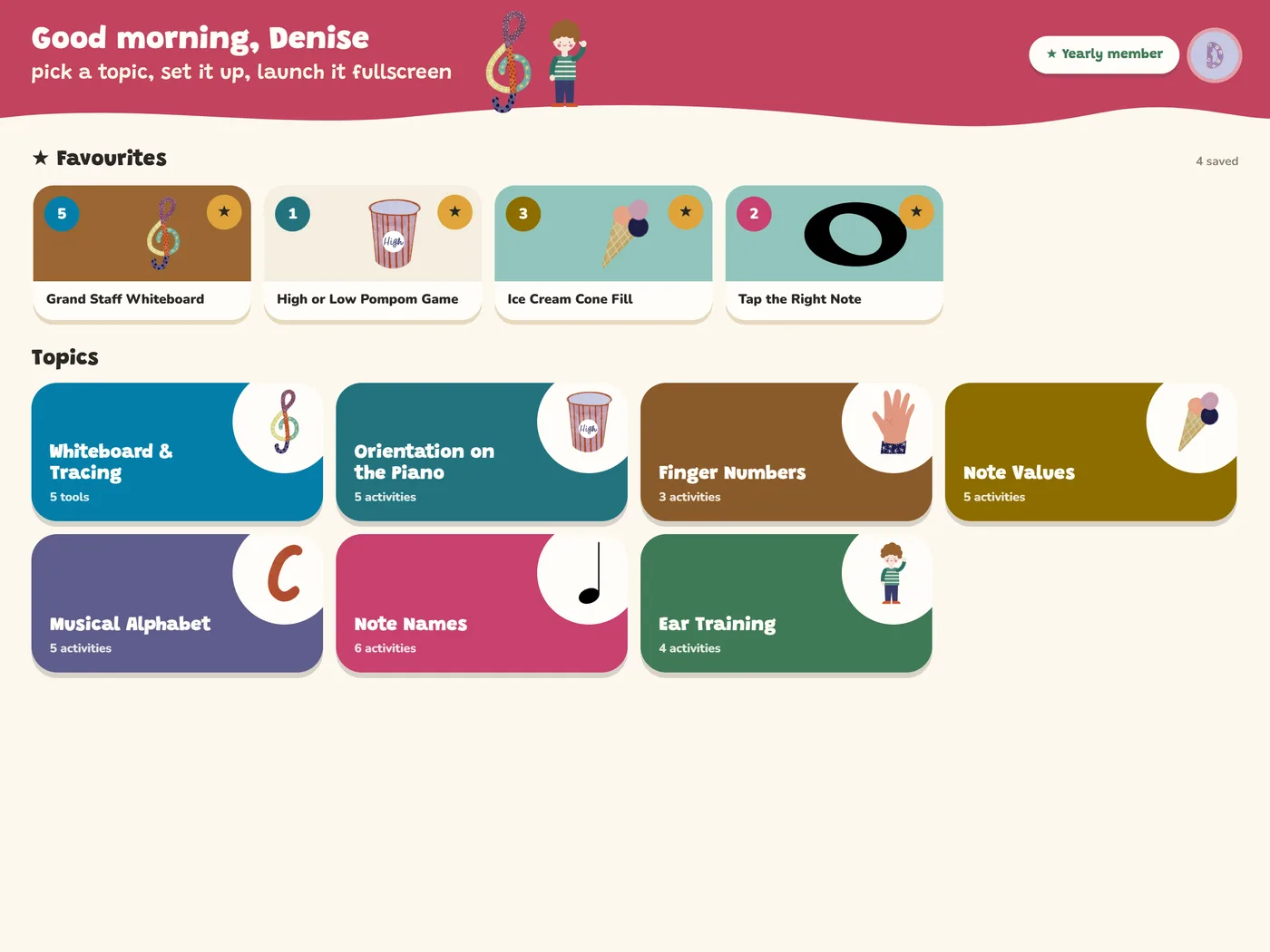
Seven topics, from high and low on the keys to reading notes on the staff. Save the ones you use most as favourites.
Playful, teacher-led activities from the Montessori-inspired Key’ndergarten method. Set one up in seconds, adjust it to your student and play it together at the piano.
Free to download. New subscribers try it free for 7 days.
For the iPad, 7 days free. Or open keyndergarten.app/ipad on your iPad.
Every card, keyboard and staff is ready on your iPad for the next student.
Every activity involves you and the piano. The app supports your teaching instead of replacing it.
Simple visuals and soft sounds. No flashing rewards or noisy games.
Pick an activity, choose the settings for your student and start.
The toolbox keeps growing, and your subscription includes every new activity.
Seven topics, from high and low on the keys to reading notes on the staff. Save the ones you use most as favourites.
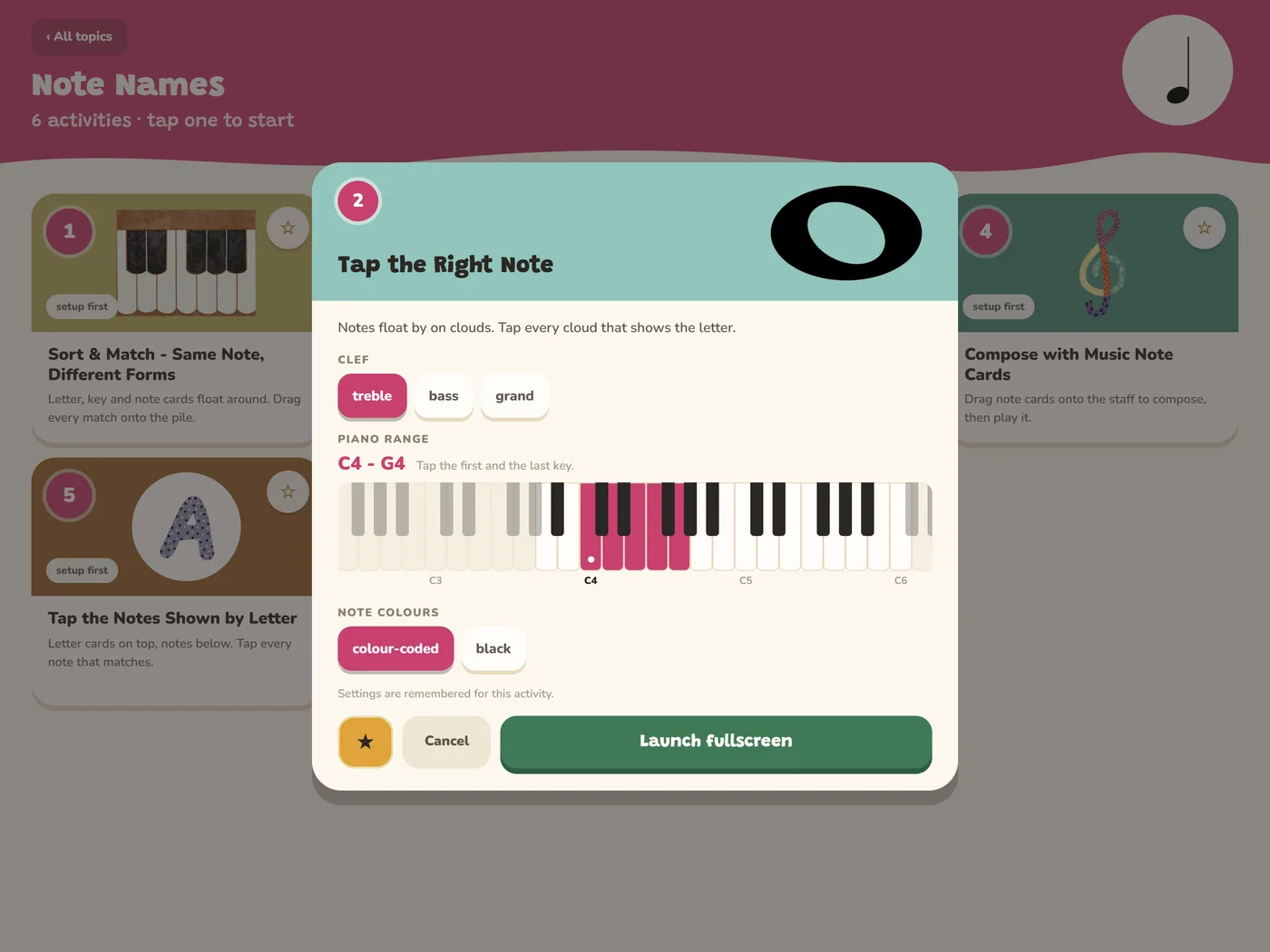
Choose the clef, the piano range, the note colours or the difficulty for this student. The app remembers your settings for each activity.
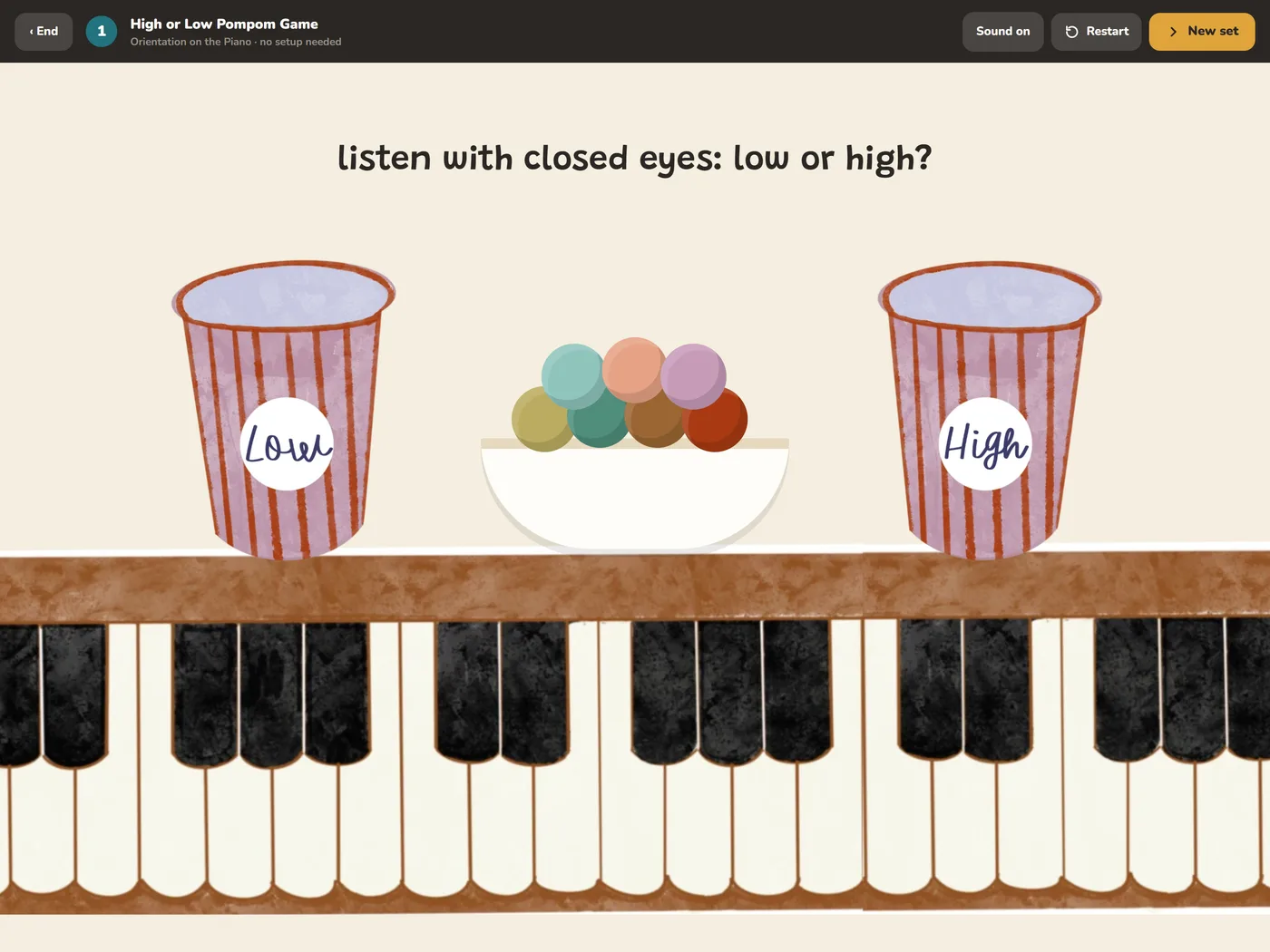
Your student plays on the iPad and at the piano while you guide the lesson. New set, restart and sound are always one tap away.
Try it in your next lesson.
28 activities in six topics, plus five whiteboard tools. Each one is focused on a single skill.
High and low, groups of two and three black keys, finding D.
Wiggle, tap and compose with finger numbers.
Practise note lengths with playful activities: feel how long they last, fill the ice cream cone, then compose and play rhythms.
Sort the letters, place them on the keys, find sharps and flats.
Match notes in different forms, tap the right note and place notes on the staff. For sight reading, your student colour-codes a short tune in the app, then plays it on the piano.
Listening games where you play and your student guesses: high or low, long or short, same or different, which letter did I play. A favourite way to end the lesson, so let your student choose.
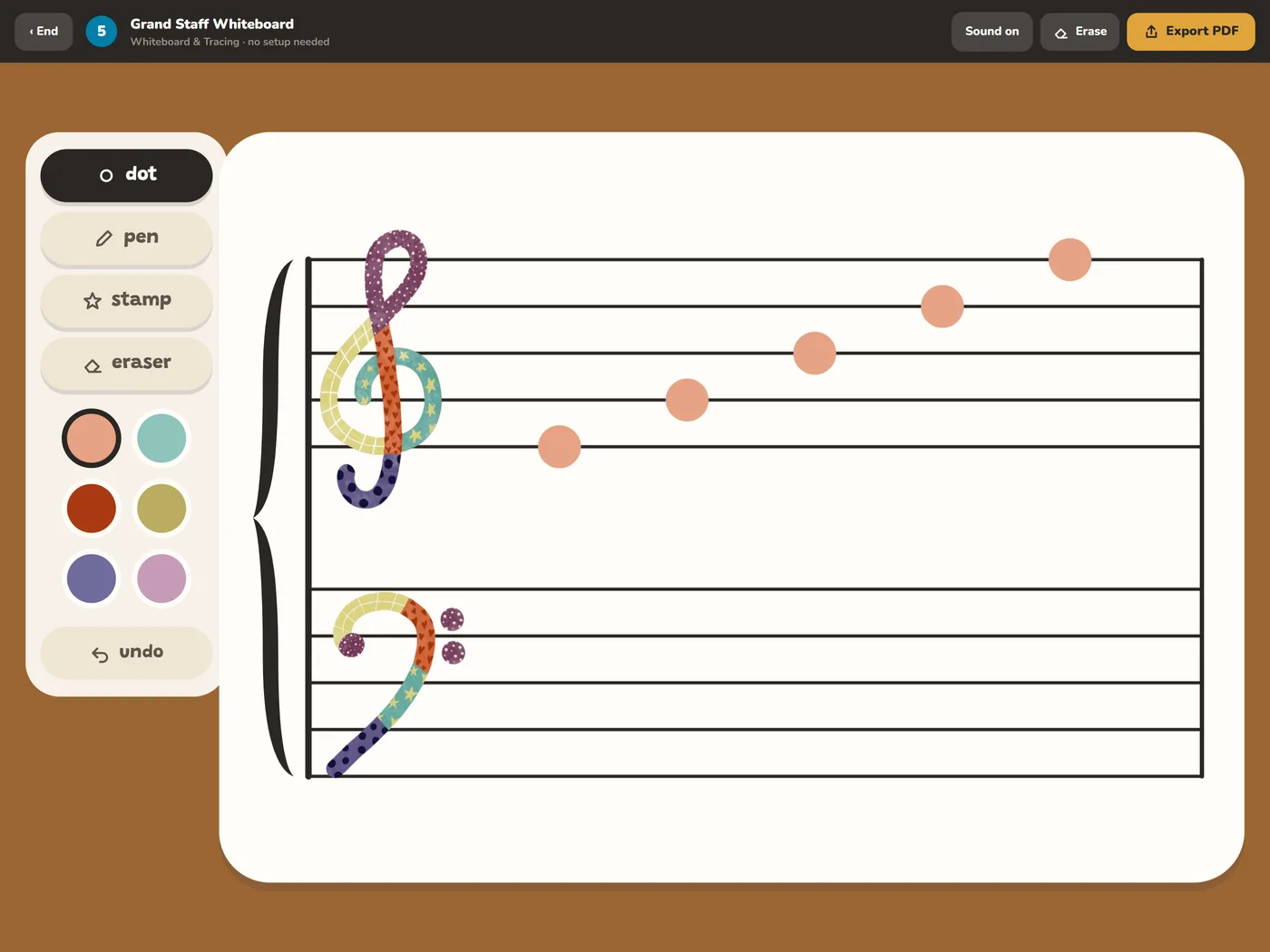
Compose your own tunes together in colour. Build patterns that show steps and skips. Trace the clefs and write on treble, bass and grand staff boards, then export a board as a PDF to send home.
All 28 activities and 5 tools, free for 7 days.
No red crosses, anywhere. Some activities are fully errorless: pure exposure and exploration that reinforce what your student has learned. In the others, a mistake gets a gentle wiggle and a soft sound, and your student simply tries again.
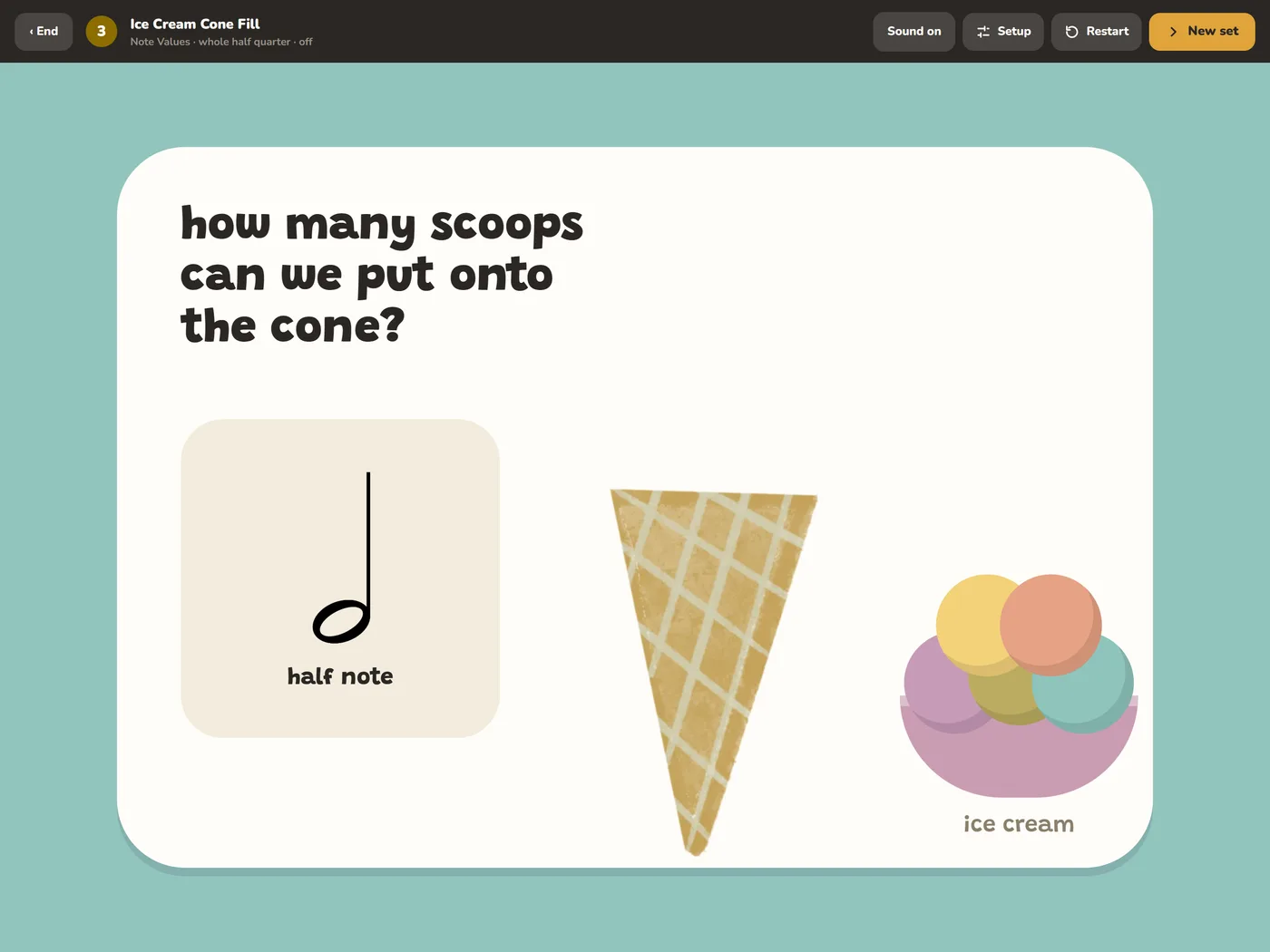
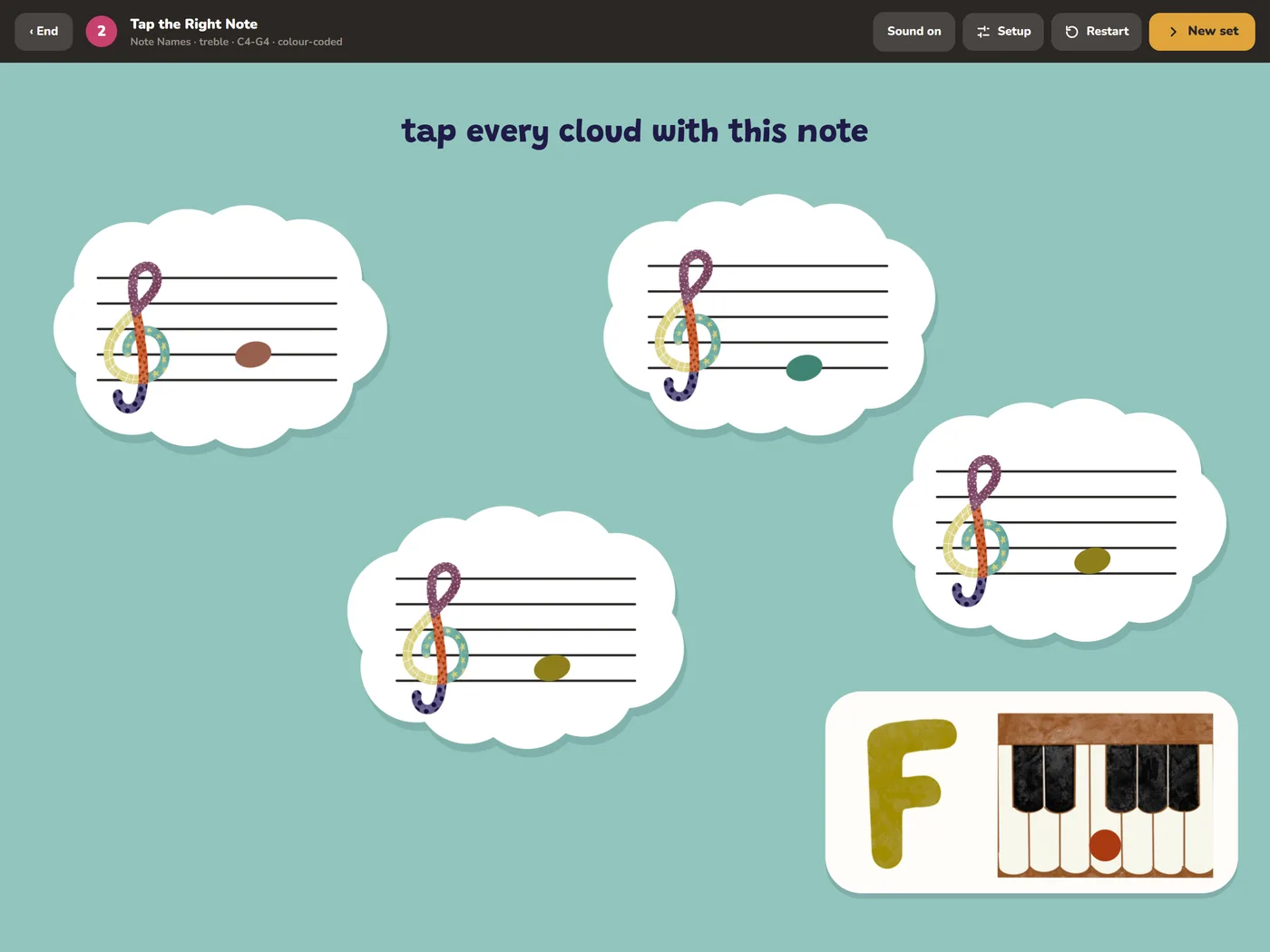
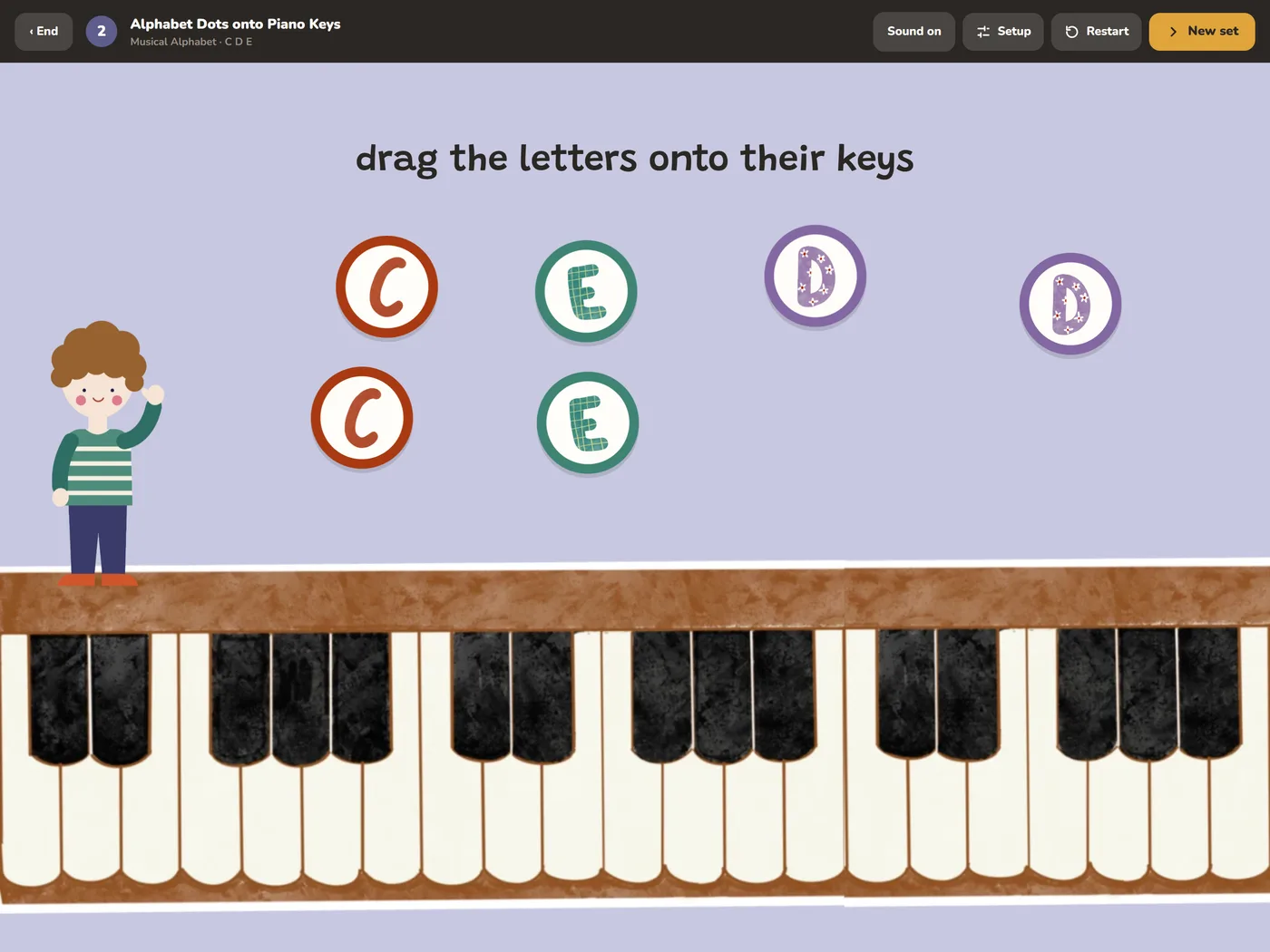
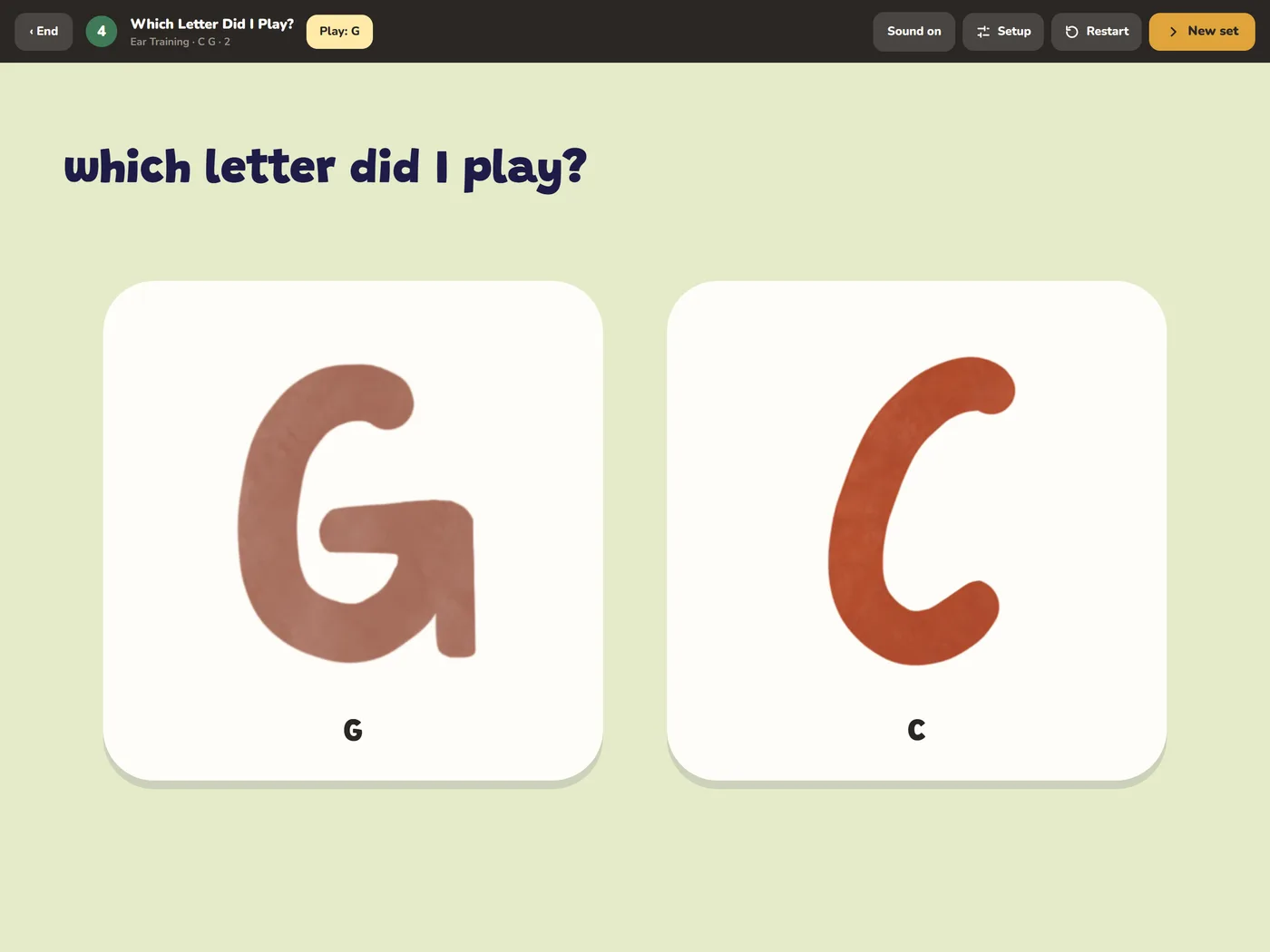
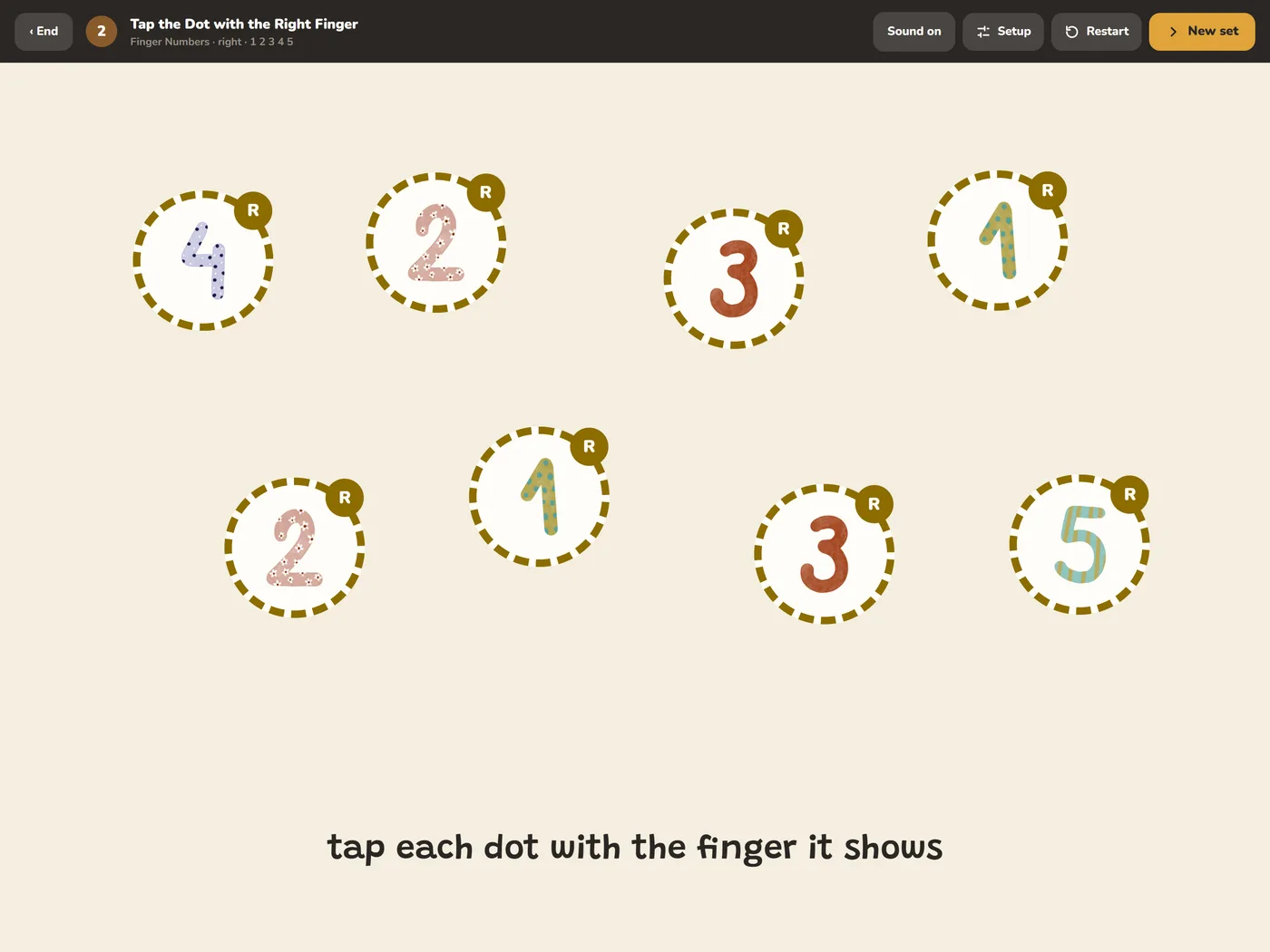
Save the activities you use most, each with your own settings.
Your favourites and setups are there on every iPad you teach with.
Fresh tasks or a restart whenever your student is ready for more.
Export a board and send it home with your student.
Nothing is collected about your students. Only you sign in.
Adjust each activity to where your student is today: fewer notes, a smaller range or an easier level. Raise it when they’re ready.
One subscription unlocks every activity and tool. Cancel any time in your Apple Account settings.
7 days free for new subscribers
7 days free for new subscribers
Prices in US dollars; the App Store shows the price for your country. Payment is charged to your Apple Account when the free trial ends. The subscription renews automatically unless it is cancelled at least 24 hours before the end of the current period. Terms of use · Privacy policy
Teaching at a music school? Ask us about several teachers
The Toolbox brings the playful, Montessori-inspired method of Key’ndergarten to your own lessons. Online piano lessons for kids and handmade printables are at keyndergarten.com.
Visit keyndergarten.comPiano Teacher Toolbox is made for the iPad, so your student has a big screen to play on.
No. Only you sign in, and the app collects nothing about your students.
It’s made for your lessons. Every activity is teacher-led and uses the piano, so you stay in charge of what your student practises.
New subscribers get 7 days free. If you cancel in your Apple Account settings at least 24 hours before the trial ends, you pay nothing.
More answers on the help page
Made for the iPad: send yourself the link, or open keyndergarten.app/ipad on your iPad.